
Getting Started with Karing
Last updated:
Learn how to add your first profile in Karing, select a server, and check that browsing works after you connect. Have your provider’s subscription link or configuration file ready.
Contents
What is Karing?
Karing is a proxy client with support for multiple configuration formats, including Clash-compatible subscriptions. Imported settings are saved as a profile. Depending on the profile, you can choose an individual server or let its group manage the selection.
How to Download and Install?
Download the installer or APK for Windows, macOS, Linux or Android. For iPhone, iPad and Apple TV, follow Karing’s App Store instructions. The setup below covers the primary phone and desktop flow. Apple TV uses its own setup procedure.
Interface Overview
Use the settings menu or the add controls to add a configuration link, import from the clipboard, or open a file. The My Profiles section lets you manage imported configurations. The main connection switch starts or stops Karing, and the server list helps you check which entries are available.
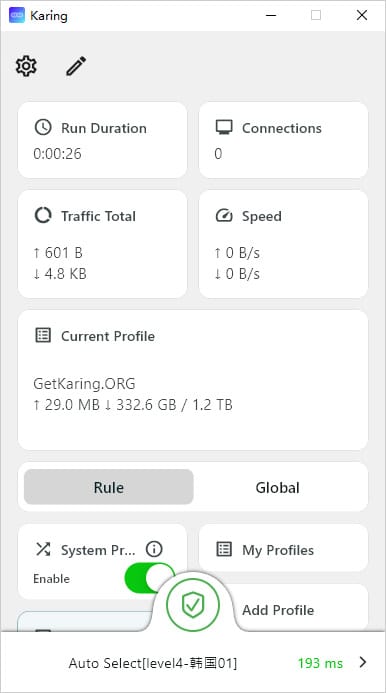
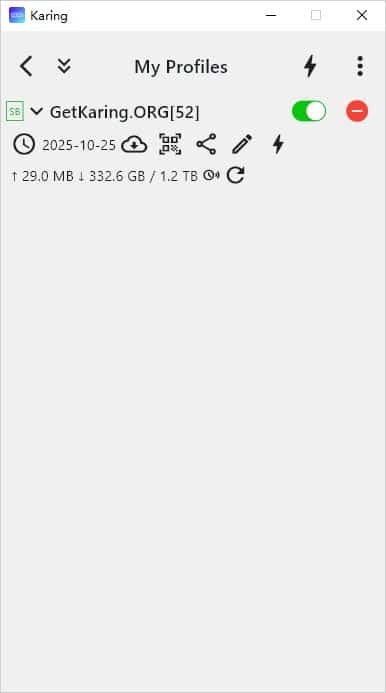
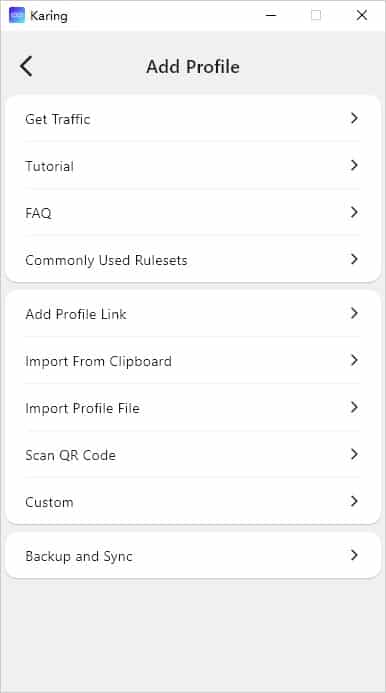
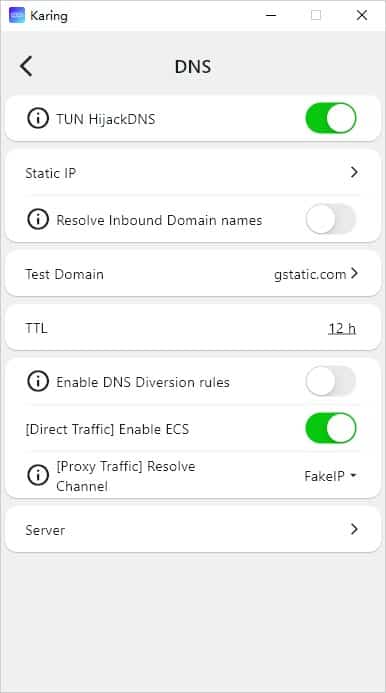
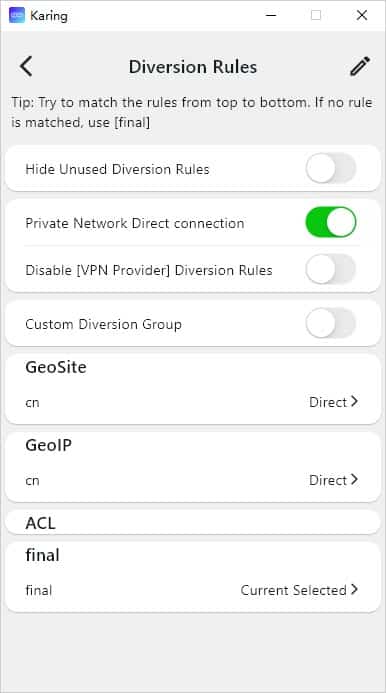
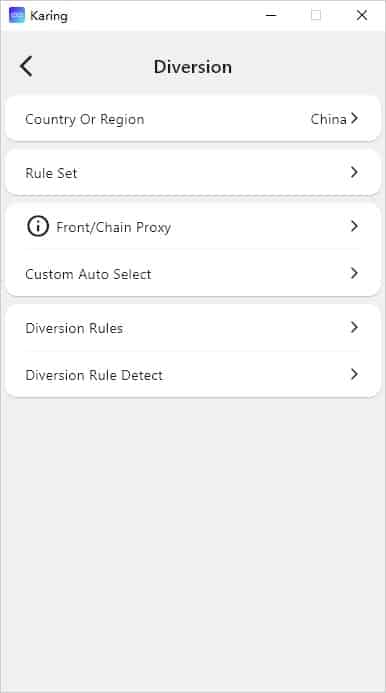
Servers
Use a subscription link in a format your Karing version supports. A remote profile can fetch changes from the provider. A local configuration remains a snapshot of the file you imported.
Compare subscription options for Karing
Quick Configuration
Add a profile and connect
- Copy the subscription URL from your provider. Open Karing’s settings and go to the add-configuration screen.
- Open the configuration-link option. Paste the link and use the add button to save it. The app manual also describes clipboard import and QR scanning.
- Confirm the profile appears. Choose an available server or use the group selection provided by the configuration, then turn on the connection switch.
- Open a familiar site to confirm that browsing works after connecting.
If Karing has no usable servers
Check that you imported the configuration link offered for a supported format. Refresh the remote profile and try another server if available. If you imported a local file, obtain a fresh copy when the provider changes the configuration.